 Hib Remover Ads
HibRemoverAds
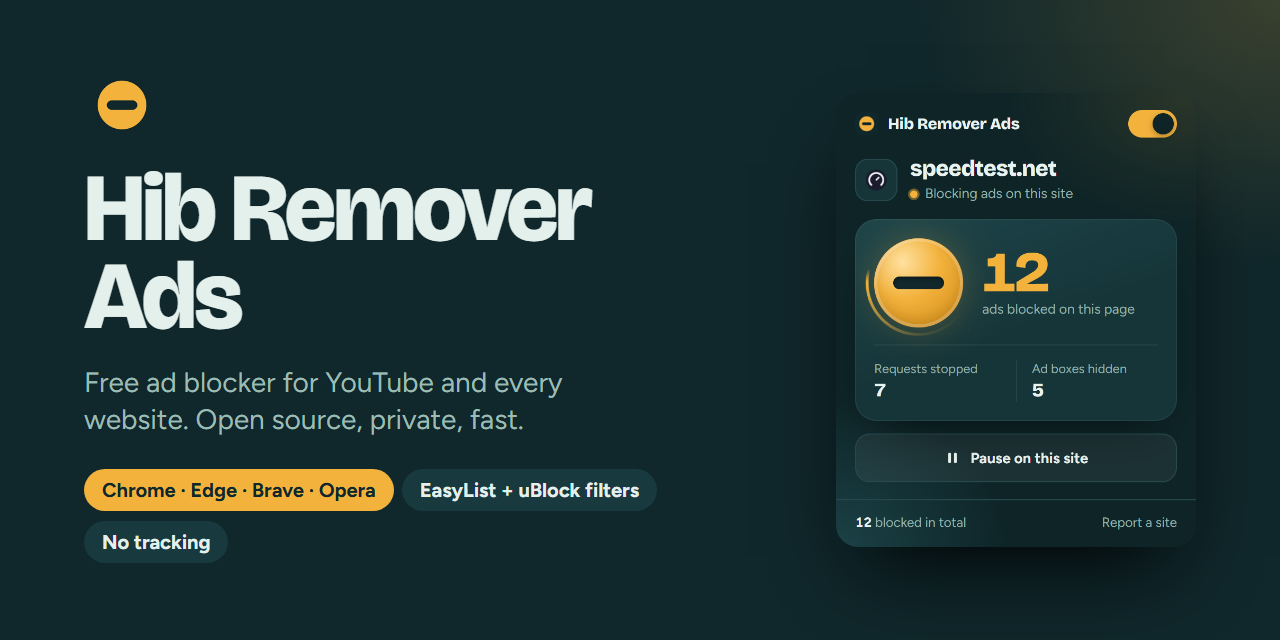
A free ad blocker for YouTube and every other website. No account, no tracking, nothing to pay.
Ads on this page9
Scroll, or click an ad
Tested on real websites
We opened 39 sites twice in Chromium, once without Hib Remover Ads and once with it. Without it they showed 206 ads; with it, none. Page text stayed the same, so nothing broke. These are the 20 heaviest, by ad files downloaded.
| Site | Without | With |
|---|
Built on the lists the big blockers use
Hib Remover Ads compiles the same community filter lists that uBlock Origin and AdBlock rely on, then adds its own YouTube protection on top.
- YouTube video adsAd instructions are removed from YouTube's player data before it can schedule an ad. Anything that slips through is muted and skipped.
- Banners, popups and popundersOver 17,000 blocking rules from EasyList, uBlock filters, Liste FR and Liste AR.
- TrackersEasyPrivacy and uBlock Privacy stop the scripts that follow you from site to site.
- Anti-adblock wallsAbout 4,600 site-specific fixes switch off "please disable your ad blocker" checks.
- Empty ad boxesMore than 15,000 hiding rules remove the gaps ads leave behind.
- Remove anything yourselfClick "Remove something on this page", then click any box you don't want. It stays gone on that site.
- See what you saveThe popup shows this week's ads blocked, time saved and data saved.
- English, Français, العربيةThe popup follows your browser's language, right to left in Arabic.
- Your choice per sitePause it on any site with one click from the toolbar.
Install in one minute
It isn't on the Chrome Web Store yet, so one command or the installer sets it up and walks you through the last clicks.
Set it up
Paste the one-line command into PowerShell, or open HibRemoverAds-Setup.exe and click Install. Both pick your browser and copy the folder path.
Turn on Developer mode
Your browser opens its extensions page. Switch on Developer mode at the top right.
Load it
Click Load unpacked, press Ctrl+V in the folder box and click Select Folder. The folder path is already copied.
Windows, one command
Recommended: no Windows warning. Open PowerShell, paste this and press Enter. Run it again any time to update.
Windows installer
1.6 MB. Windows may warn you first: click More info, then Run anyway.
Download HibRemoverAds-Setup.exeMac, Linux or manual install
Download the zip and extract it to a folder you'll keep. Open , turn on Developer mode, click Load unpacked and pick the folder.
Download hib-remover-ads.zipQuestions
Something not working? Open an issue on GitHub with the site's address.
Is it really free?
Yes. There is no paid version and no account. The code is open on GitHub under the GPL-3.0 license.
Does it collect my data?
No. Everything runs inside your browser. It only stores your settings and the number of ads it blocked.
Windows says the installer is from an unknown publisher
Windows shows this for any program that isn't signed with a paid certificate. Use the one-command install above to avoid it, or click More info, then Run anyway. The installer's source code is in the repository if you want to check it.
Chrome says "Disable developer mode extensions"
Chrome shows this for any extension that isn't from the Web Store. Close it with the X. Hib Remover Ads keeps working.
A site stopped working or asks me to turn off my ad blocker
Click the Hib Remover Ads icon and choose Pause on this site. Ads come back only on that site. Please report it on GitHub so the next version can fix it.
How do I update it?
Run the newest installer, then click the reload arrow on Hib Remover Ads in your browser's extensions page.